Every served customer becomes a review ask
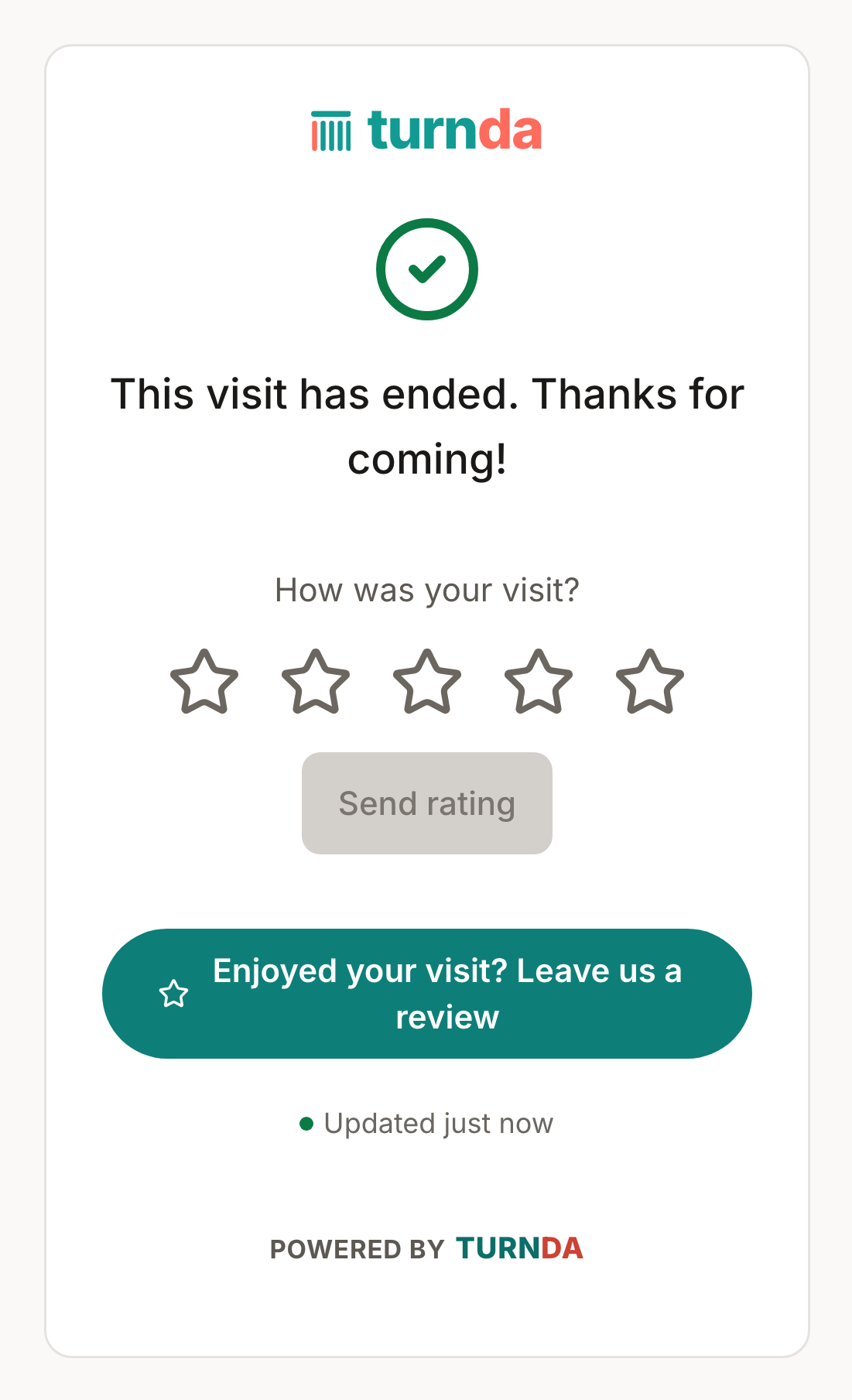
The moment you finish serving someone, their tracking link turns into a friendly “how did we do?” with a one-tap link to your Google review page — and an email ask follows for anyone who left an address.
30-day free trial · card upfront · cancel anytime · works worldwide
Get more Google reviews
Asking for reviews works, and nobody has time to do it. Because turnda already knows the moment a visit ends, it asks at exactly the right time — while the customer is still nearby and the visit is fresh — with a link that takes one tap to act on.
Step by step
Add your review link
Paste your Google review URL once, per location. No link, no asking — it stays dormant rather than sending anyone an empty request.
The tracking link asks first
The page they already have open becomes the ask the second you finish serving them. It reaches every visitor and costs nothing.
An email follows
Anyone who gave an email address also gets a short “how did we do?”. Set a cooldown so a regular is never asked twice in a fortnight.
The customer taps once
It opens straight at your review page — no searching for your business.
Timed to the visit, and it never costs you a message
A weekly review blast asks people who were in last Tuesday. turnda asks at the end of the actual visit, which is when someone is most likely to answer. It also never costs you a message doing it: WhatsApp prices a review request at its paid marketing rate rather than as a free reply, so turnda deliberately does not send one there — the ask rides on the free tracking link and on email.
Everything else on this page
The private score comes first
Ask the visitor to rate the visit one to five stars, and get told about the low ones — so an unhappy customer reaches you before your public listing.
The rest of the product
Free tracking link
Every visitor gets a live web page showing their place in line. It updates by itself, costs nothing per person, and works on any phone without an app.
Read moreLive queue & console
The console your team lives in. It shows who is waiting, who is next and who is over their wait — and serving the next person is a single tap.
Read moreMulti-location
See how busy every location is at a glance, and move a waiting visitor to a quieter branch. Built for the operator running more than one front desk.
Read moreCommon questions
Does it only work with Google?
The link is yours to set, so it can point anywhere you collect reviews. Google is the common case.
Does asking for reviews cost me anything?
No. Review asks are never sent over WhatsApp: WhatsApp prices a review request at its paid marketing rate rather than as a free reply, so turnda deliberately does not use it for this. The ask rides on the free tracking link every visitor already has, plus email.
Will every customer get asked?
Everyone you finish serving sees the ask on their tracking link. The email ask goes to those who left an email address, and you can set a cooldown so a regular is not asked on every visit.
Can I turn it off?
Yes, per location, at any time — and it is dormant until you add a review link anyway.